AI Logo Generation
Example Gallery

Real outputs from QuiverAI Arrow & Recraft V4 Vector

April 2026 · Official blog examples

QuiverAI Arrow 1.1 — Official Examples

From the Arrow 1.1 announcement blog post
Arrow 1.1 cover image
Arrow 1.1 Announcement Cover — Tagline: "Our most advanced models yet for generating structured, production-ready SVGs"
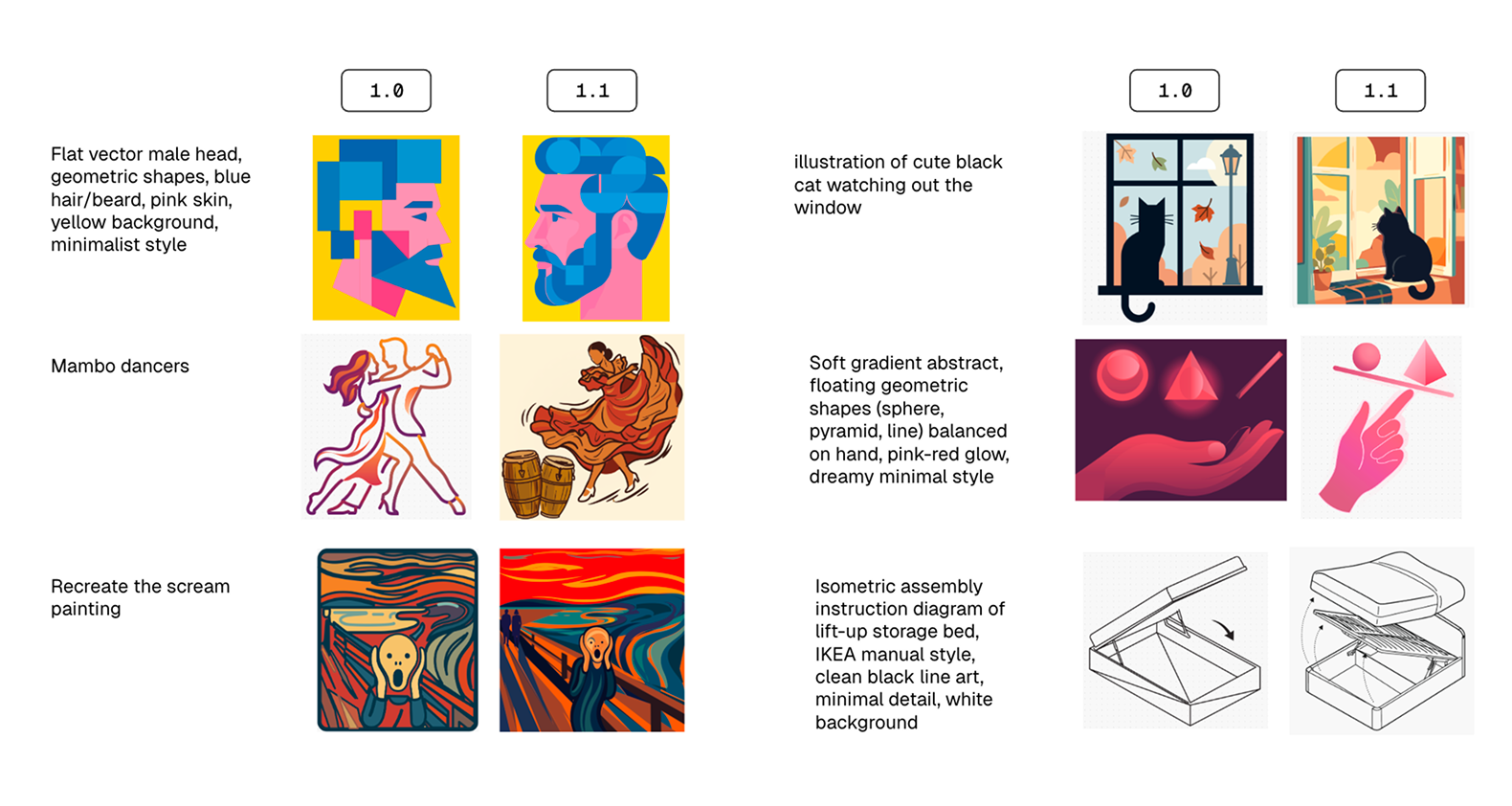
Arrow 1.0 vs 1.1 comparison
Arrow 1.0 → 1.1 Quality Comparison — Side-by-side showing improvements in structure, detail, and visual quality

Logo Quality Across Model Tiers

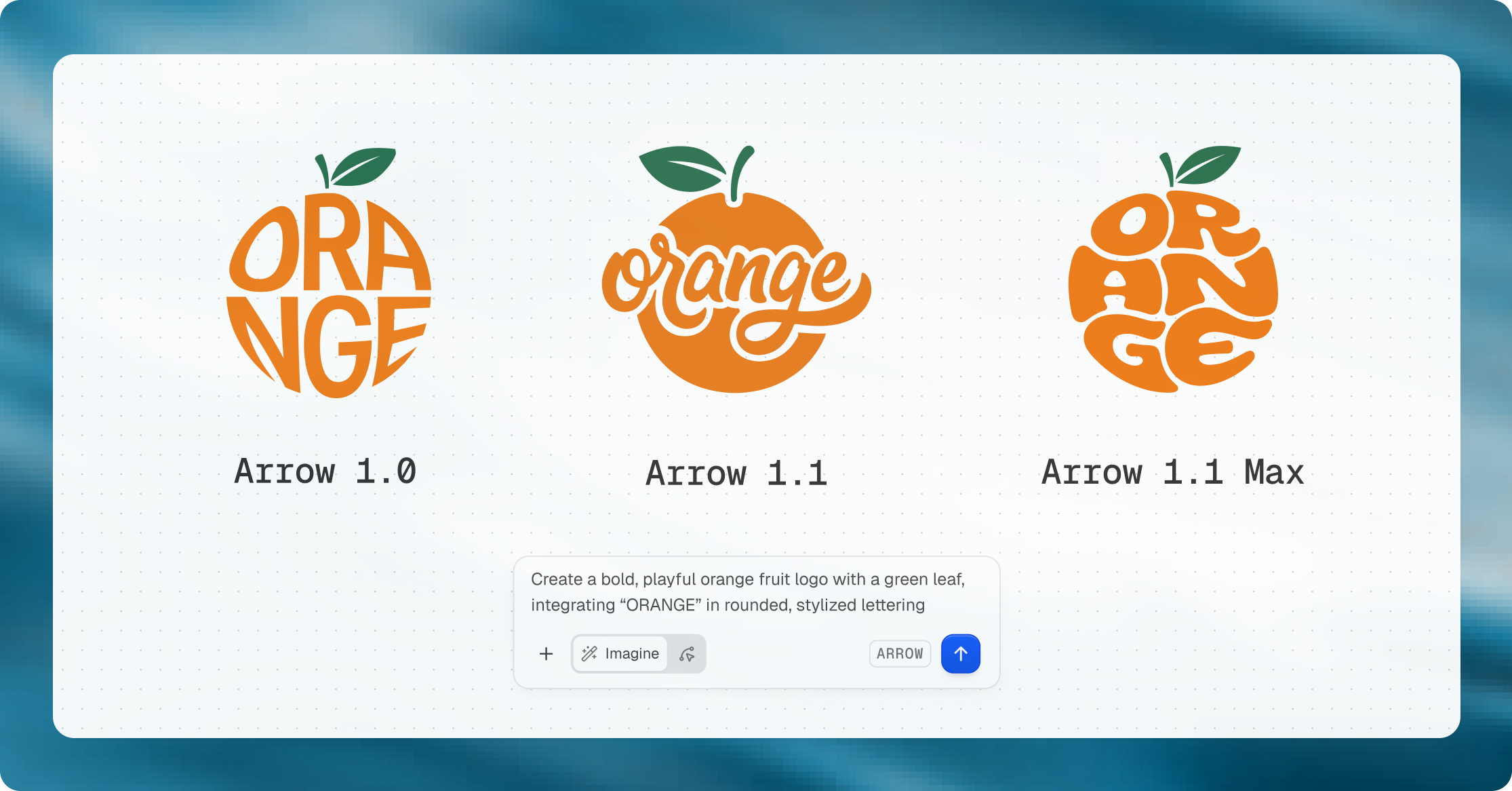
Logo examples across model versions
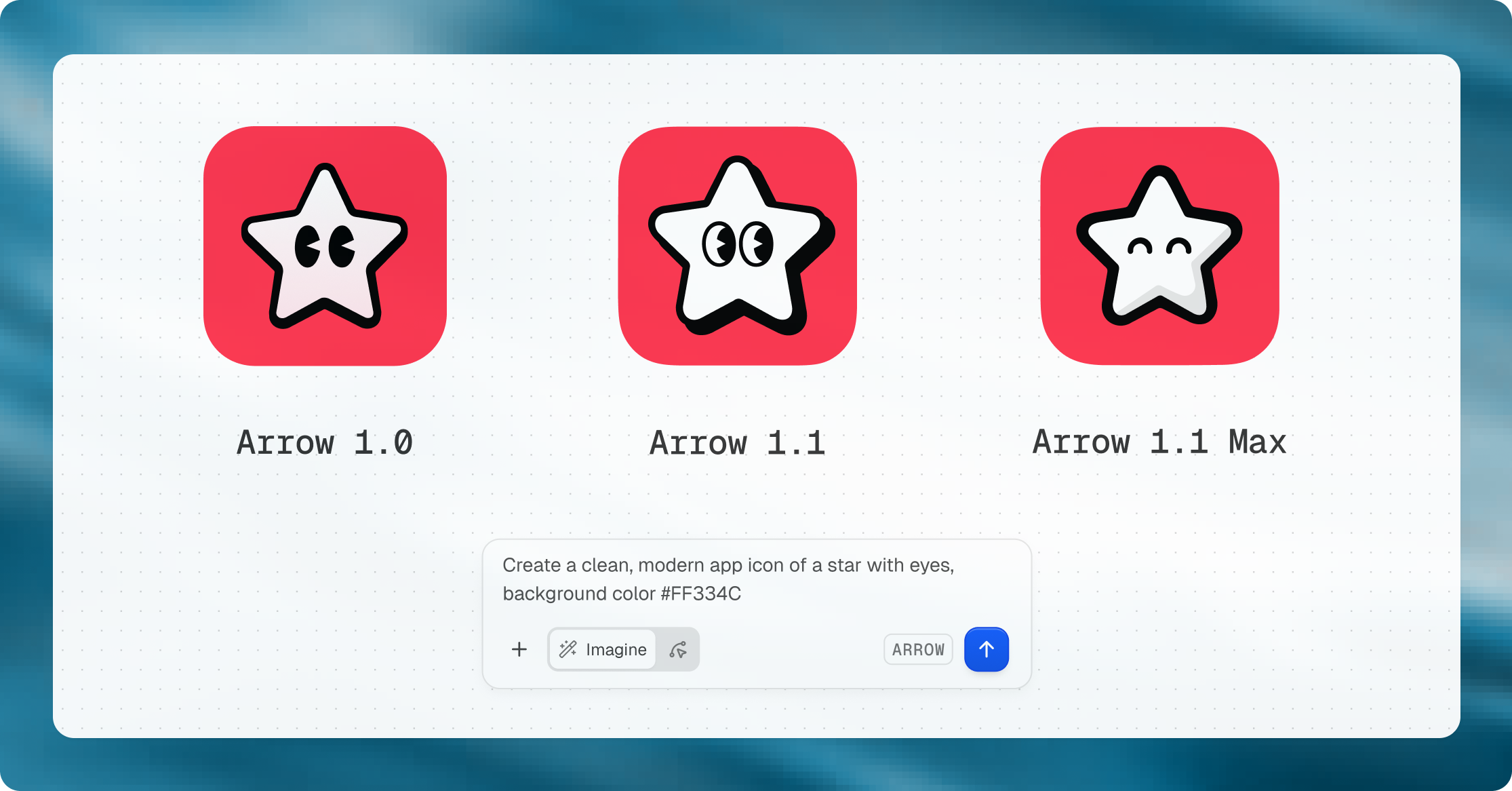
Logo Generation Comparison — Same prompt across Arrow 1.0, Arrow 1.1, and Arrow 1.1 Max. Notice how geometry and detailing evolve. 1.1 Max gives tightest spacing and best alignment for wordmarks.

Icon Quality

Arrow 1.1 Icons
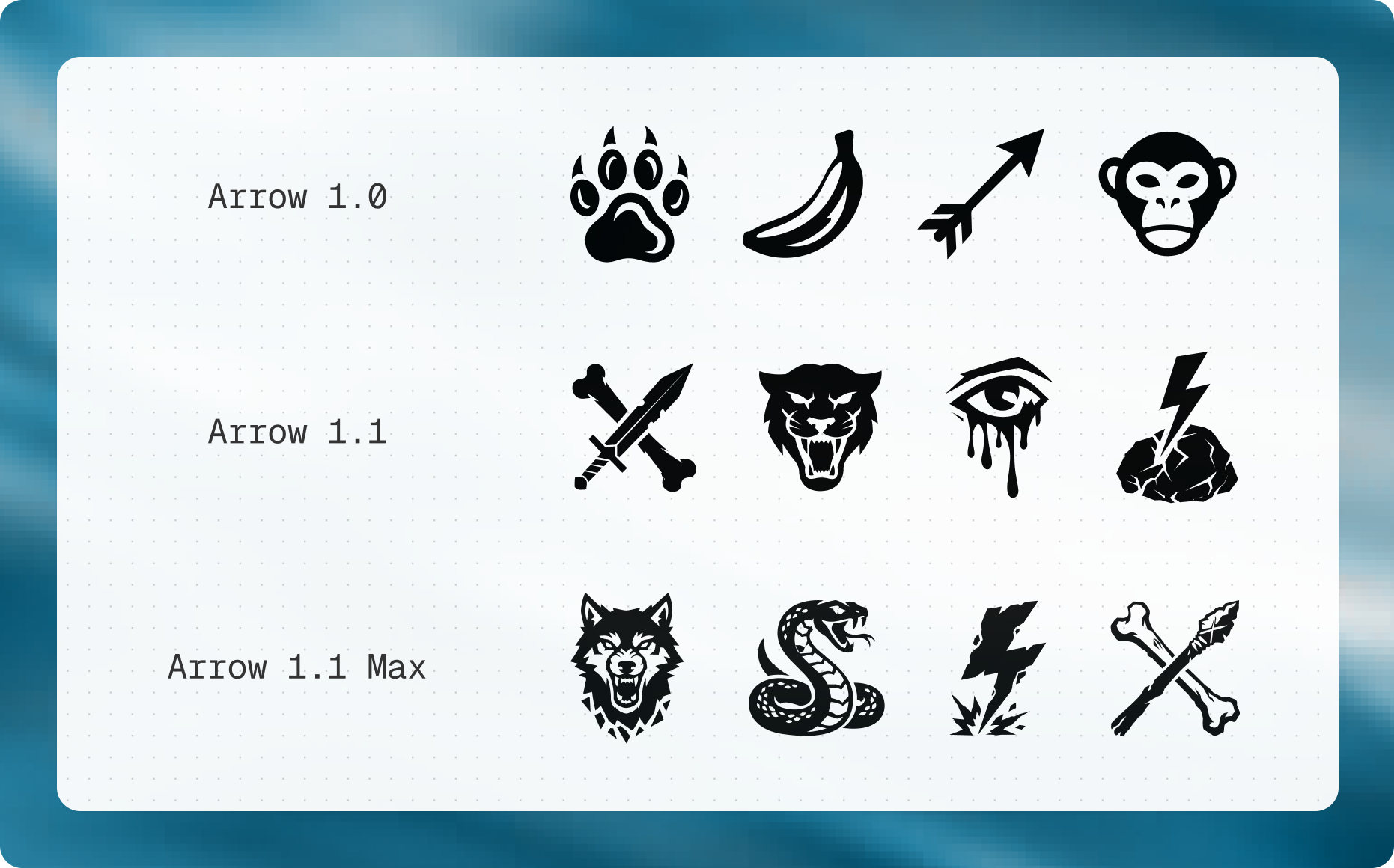
Icon generation examples
Icons with stable proportions, even spacing, consistent strokes
Arrow 1.1 Max Icons
Icon style comparison
Max refines edge precision and internal spacing further

Illustration Quality

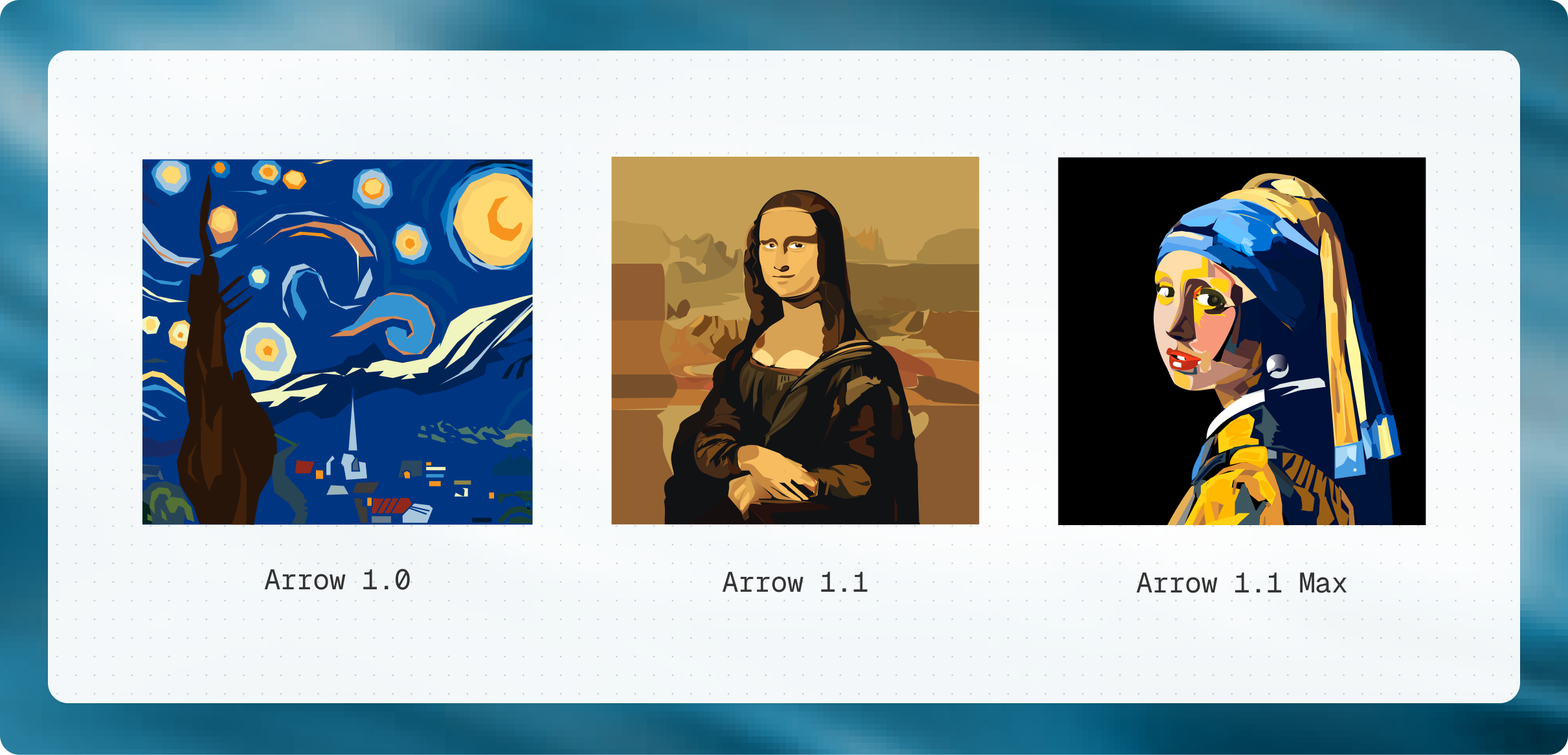
Illustration comparisons across models
Illustration Comparison — Generated versions of famous paintings across Arrow 1.0, 1.1, and 1.1 Max

Technical Drawings & Fashion

Technical Drawings
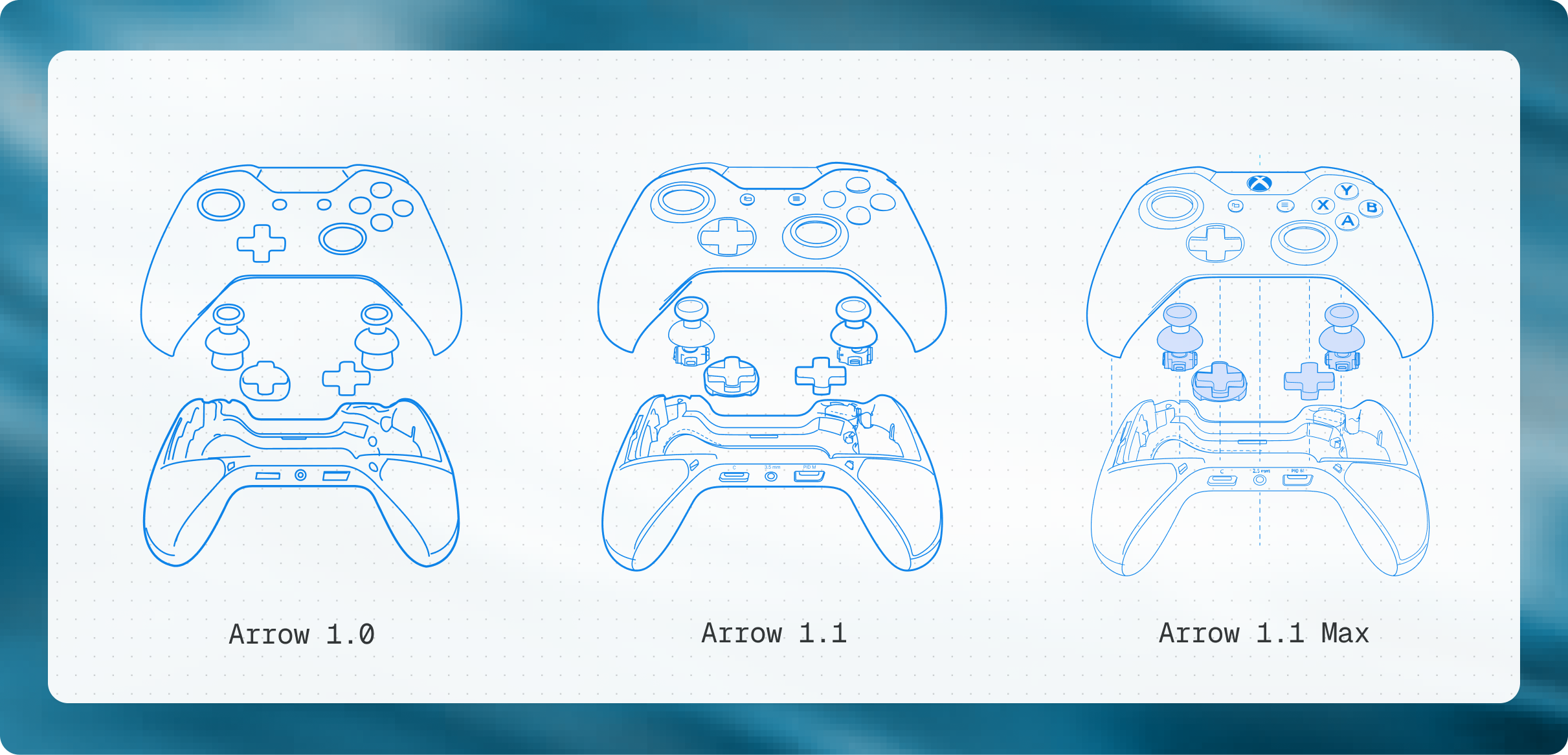
Xbox controller technical drawings
Engineering-style drawings: alignment, line clarity, structural consistency
Fashion Design
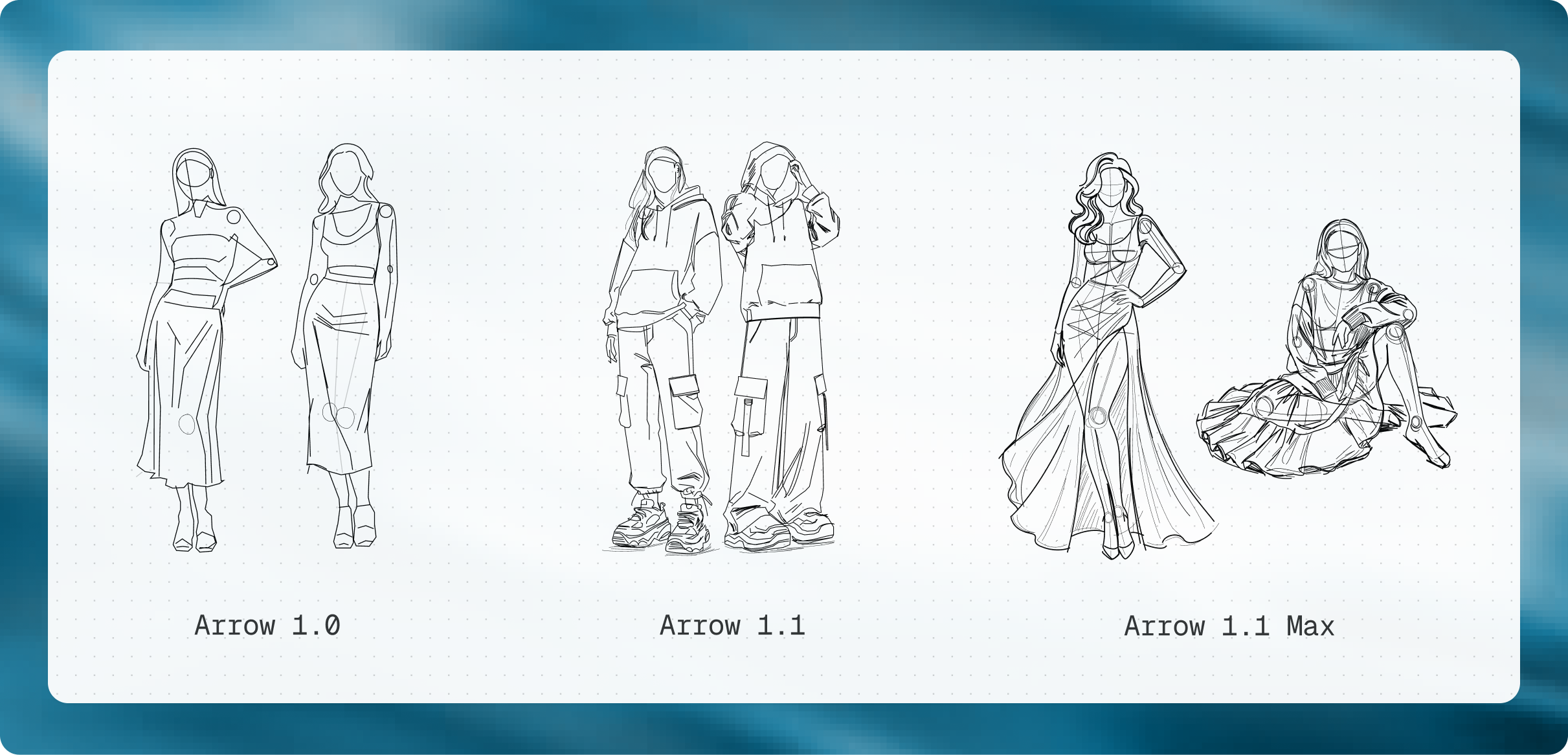
Fashion flat sketches
Technical flats with clean outlines, consistent proportions

Arrow 1.1 Max — Maximum Detail

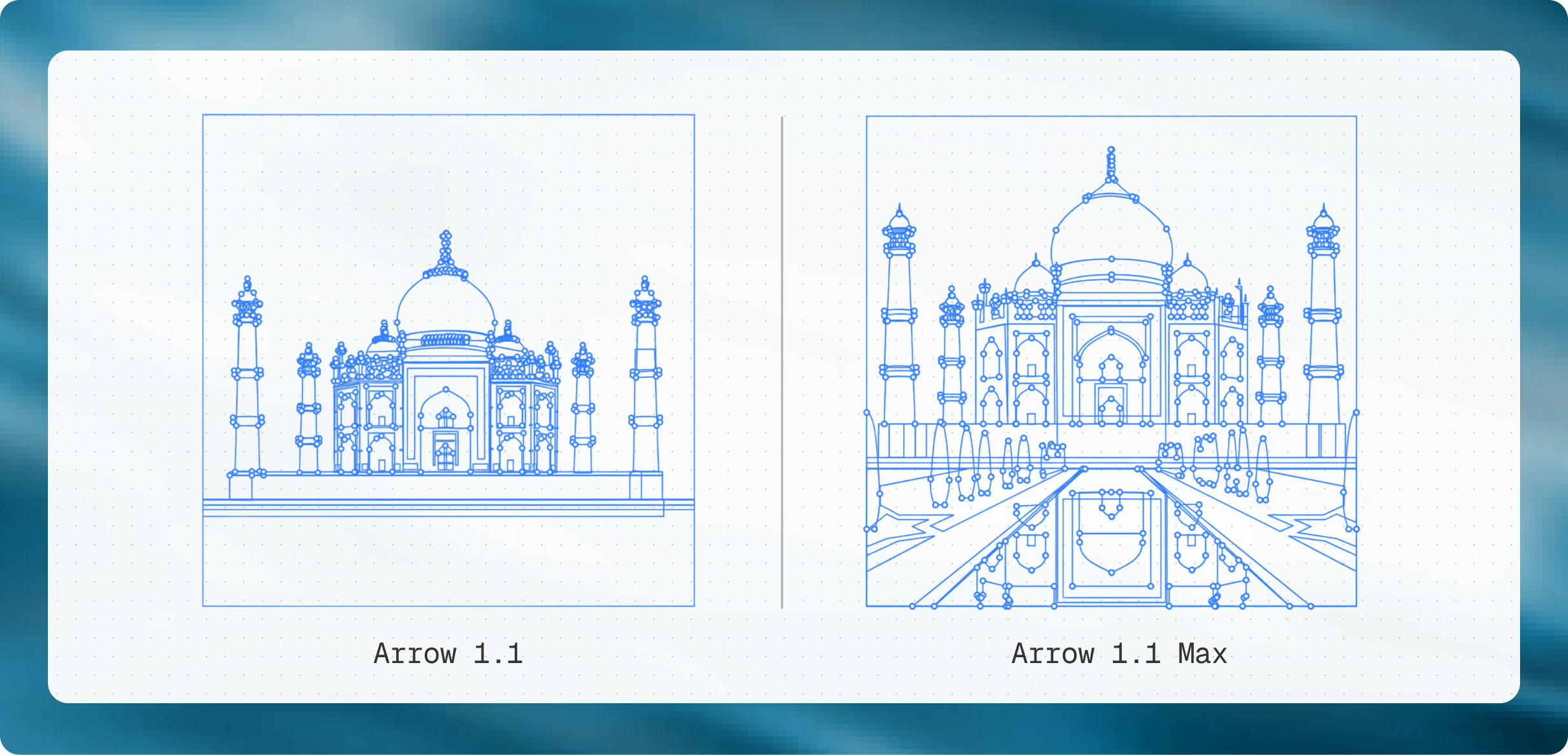
Arrow 1.1 vs 1.1 Max comparison
Arrow 1.1 vs 1.1 Max — Side-by-side showing differences in detail, control points, and geometric accuracy for complex illustrations like the Taj Mahal

Pricing

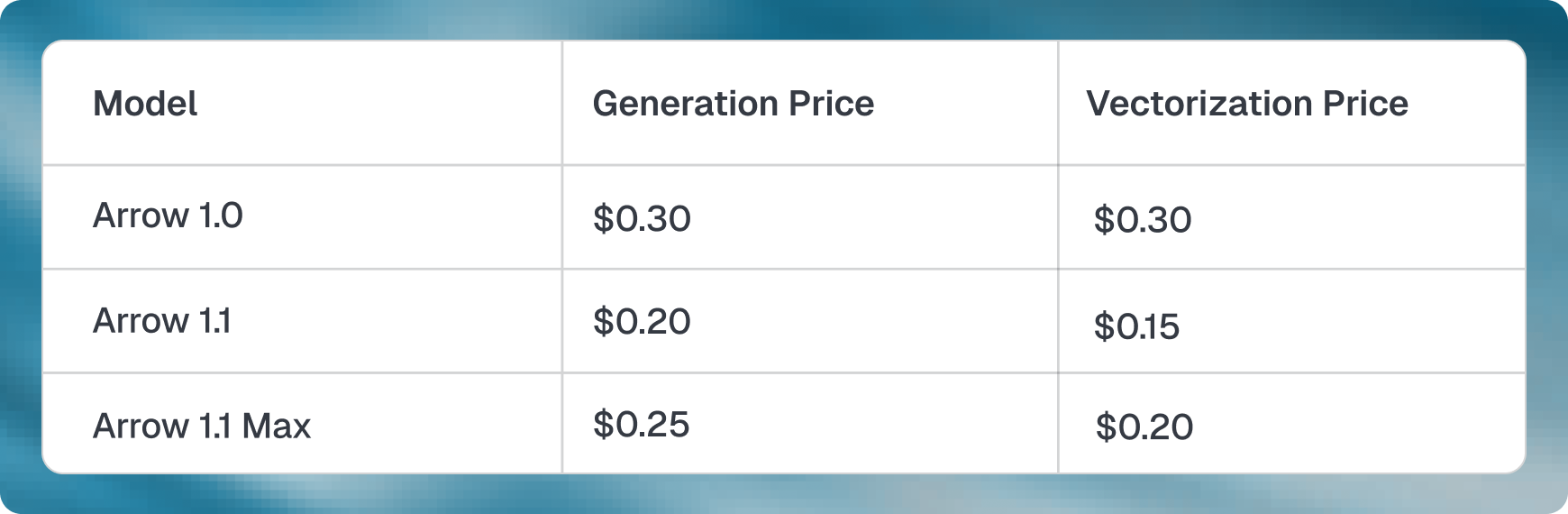
Arrow pricing comparison table
Pricing across Arrow models — Arrow 1.1 is 33% cheaper for generation, 50% cheaper for vectorization vs Arrow 1.0

Recraft V4 Vector — Official Examples

From Recraft's website, blog, and community
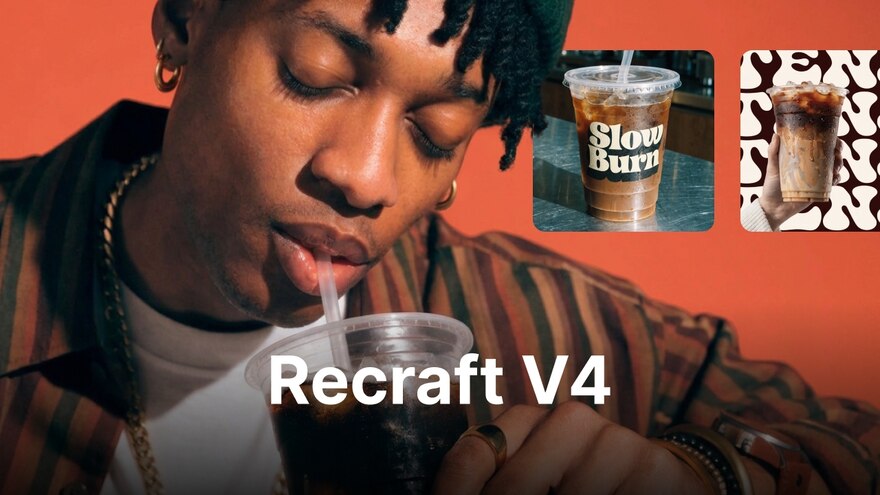
Recraft V4 overview
Recraft V4 Overview — Advanced raster + vector models for design and marketing workflows

Typography & Text Handling

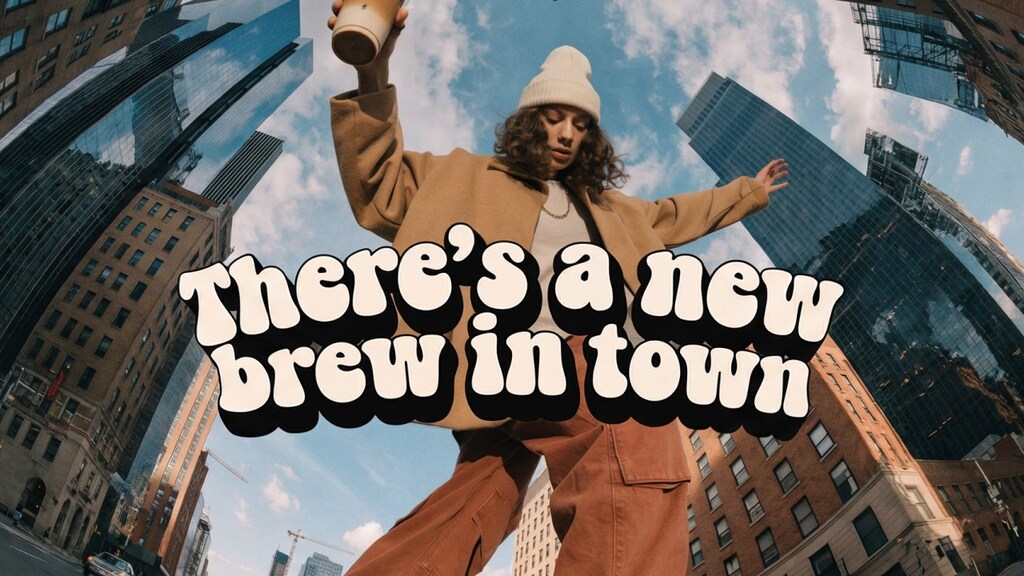
Recraft V4 typography
V4 Typography-Friendly Visuals — Recraft emphasizes text rendering quality, but note: text in vector outputs is outlined to paths, not editable <text>

Composition Quality

Recraft V4 composition
Structured Composition — Recraft V4 produces visually impressive illustrations with good layout

Anti-Stock Aesthetic

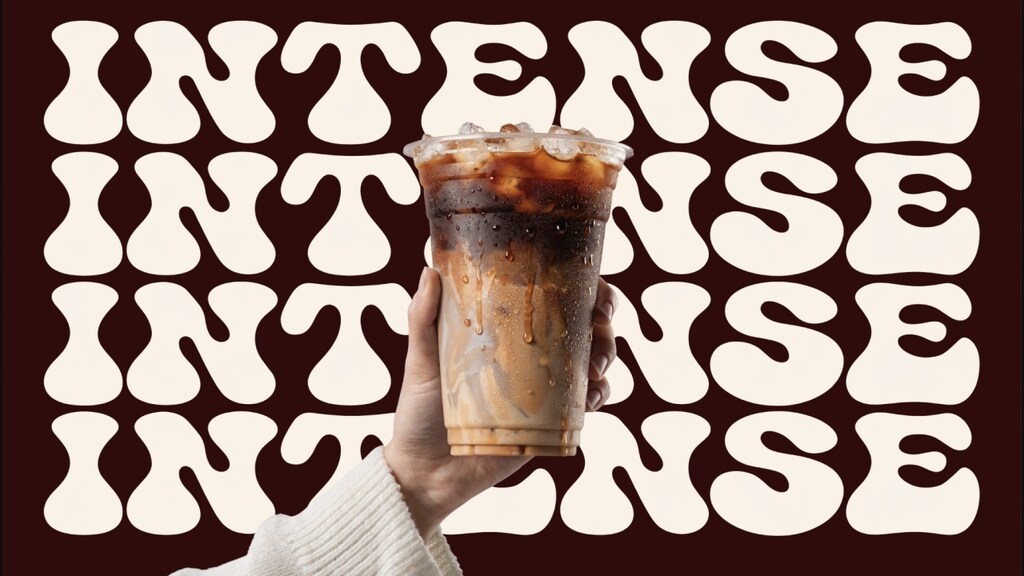
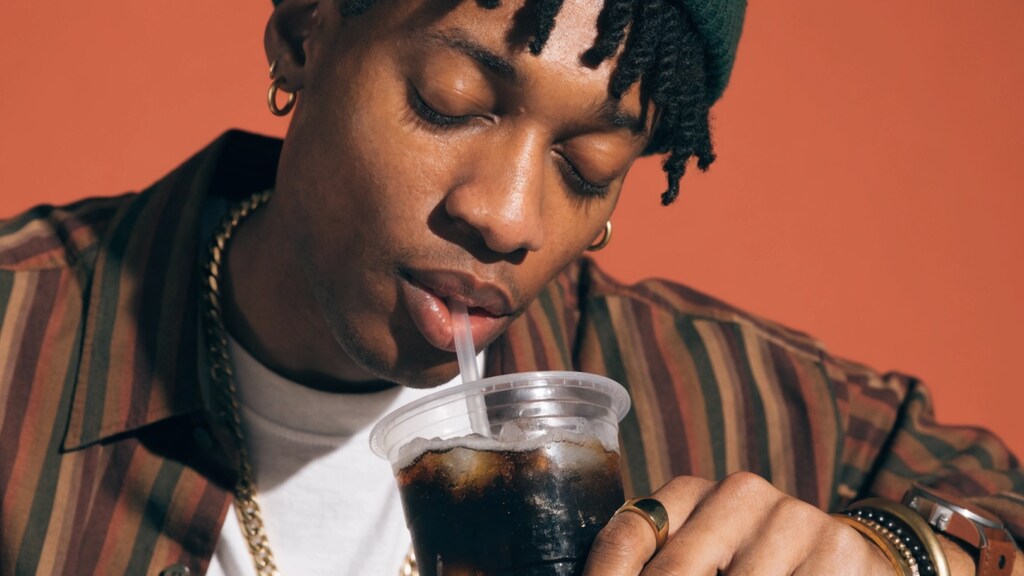
Recraft V4 anti-stock aesthetic
Anti-Stock Aesthetic — V4 deliberately avoids the "stock photo" look — strong for illustrations and hero images

Logo Tutorials & Community

Logo Tutorial
Recraft logo tutorial
YouTube tutorial: creating logos in Recraft AI
Logo How-To
Recraft logo how-to
Step-by-step logo generation walkthrough

Key Visual Differences — What to Look For

When comparing outputs, focus on these quality markers

⚠ Neither service provided direct head-to-head logo comparison images

QuiverAI's blog contains the best official comparison (1.0 vs 1.1 vs Max). Recraft doesn't publish logo-specific SVG comparisons vs competitors. To get a true head-to-head, you'd need to generate the same prompts in both tools.

What makes a good AI-generated logo?

Clean geometry
Symmetrical shapes, aligned elements, purposeful curves
Scalability
Looks good at 16px favicon AND 400px hero
Minimal paths
Fewer control points = smaller file, easier editing
Path spaghetti
1000+ coordinate pairs for a simple shape
Over-decoration
Gradients, shadows, and detail that break at small sizes
Garbled text
AI-generated letterforms with wrong kerning or spacing
💡 Best test: generate the same logo prompt in both tools

Try these prompts in both QuiverAI and Recraft:
1. "Minimalist logo for a fintech app called Apex, flat design, single color"
2. "Geometric mountain icon logo, clean lines, two colors"
3. "Abstract letter S logo, modern, thin stroke"
Then compare the SVG code quality, editability, and scalability.

Try It Yourself

Free tier links to test both services

QuiverAI
Free: 200 credits/week
10 logos, commercial OK
Recraft
Free: 30 credits/day
Non-commercial only